AI in CNC machining is being applied to CAM programming, cutting-parameter selection and the decisions surrounding a machining job. MachineToolNews.ai follows the software, machine tools and production projects behind these developments, with reporting for programmers, machine shop owners and manufacturing engineers.
Use this page to explore practical questions about CNC AI and follow the latest articles below. Our reporting includes product releases, supplier interviews and developments in connected machining and automation.
Where AI in CNC fits into machining
CAM programming and toolpaths
Programming is a clear starting point for evaluating a CNC AI tool. CloudNC describes CAM Assist as software for generating machining strategies and toolpaths. Our CloudNC funding report follows its expansion. In a software trial, establish which operations are supported and how the proposed strategies are reviewed before a programme reaches the machine.
Cutting parameters and process knowledge
Feeds and speeds depend on the tool, material and operation. CloudNC’s Cutting Parameters AI announcement describes physics-based recommendations within its CAM workflow. When testing parameter recommendations, record the tool assembly, workholding and material conditions. Compare finished-part quality, tool wear and machining time on work representative of your shop.
Simulation, verification and digital twins
A programming change needs a defined verification process. Ask what the simulation includes, whether the machine configuration is represented and how the postprocessor has been validated. Our guide to industrial AI in factories offers broader context for connected production. Check the scope of each product carefully when evaluating simulation or digital-twin claims.
Machine tending and production information
A machining project may also involve loading, handling, inspection and scheduling. Assess the complete workflow, including the steps where an operator must intervene. Follow our AI in Robotics coverage for industrial automation and our manufacturing software page for the tools connecting engineering and production.
Evaluating a CNC AI tool in your shop
Start with a baseline for programming time, setup, cycle time and rework. Trial the software using your own part files and tool libraries. Include straightforward jobs and the difficult features that consume programmer time. Review the resulting programme using your established simulation and prove-out procedures.
Ask about supported CAM versions, machine types, postprocessors and technical support. Establish where CAD files are processed and how access to them is controlled. Include licensing, library preparation, training and integration costs when assessing the business case.
Questions for a CNC software demonstration
What should the supplier demonstrate?
Request a representative part with your tooling and machine constraints. Record the time required to prepare inputs, generate a strategy, correct it and complete verification. Use that full workflow when comparing performance.
What evidence should support a time-saving claim?
Ask which operations, part types and programmer experience levels were included in the comparison. Measure the same jobs in your own trial and record any extra checking or correction work.
Browse the AI in CNC archive for earlier coverage, or explore related applications in sheet metal fabrication.
For a practical buying comparison, read our AI CAM software comparison and hyperMILL INTELLIGENCE interview. Our robotic deburring guide covers the finishing stage.
Latest AI in CNC news
-

GibbsCAM 2027: AI Copilot Moves Toward Deeper CNC Programming Support
GibbsCAM AI Copilot is becoming a bigger part of CNC programming as the company explores how AI can support programmers without taking control away from them.…
-

LG CNS Factova: Bryce Barnes on Connecting Factory Equipment and Putting AI to Work
LG CNS Factova is designed to connect the machines, software and production data already operating inside a factory, giving manufacturers a foundation for predictive maintenance, digital…
-

IMTS 2026 Post-Show Review: What the Biggest Manufacturing Show in the West Revealed About AI
IMTS 2026 was not simply another major manufacturing exhibition. It was a clear snapshot of where industrial technology is heading, and artificial intelligence was impossible to…
-

MVTec AI Vision Solver Brings AI Agents Into Machine Vision Development
MVTec AI Vision Solver is bringing AI agents into machine vision development, with MVTec set to demonstrate a prototype at VISION 2026 that can turn natural-language…
-
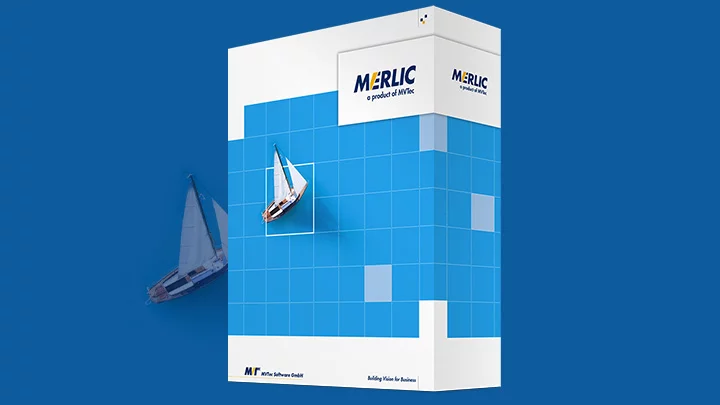
MVTec MERLIC 26.10 Brings Stronger Security and Easier Machine Vision Integration
MVTec Software GmbH will release MERLIC 26.10 on October 15, 2026, introducing a redesigned communication architecture, secure-by-default networking, SPDX software bills of materials, and several usability…
-
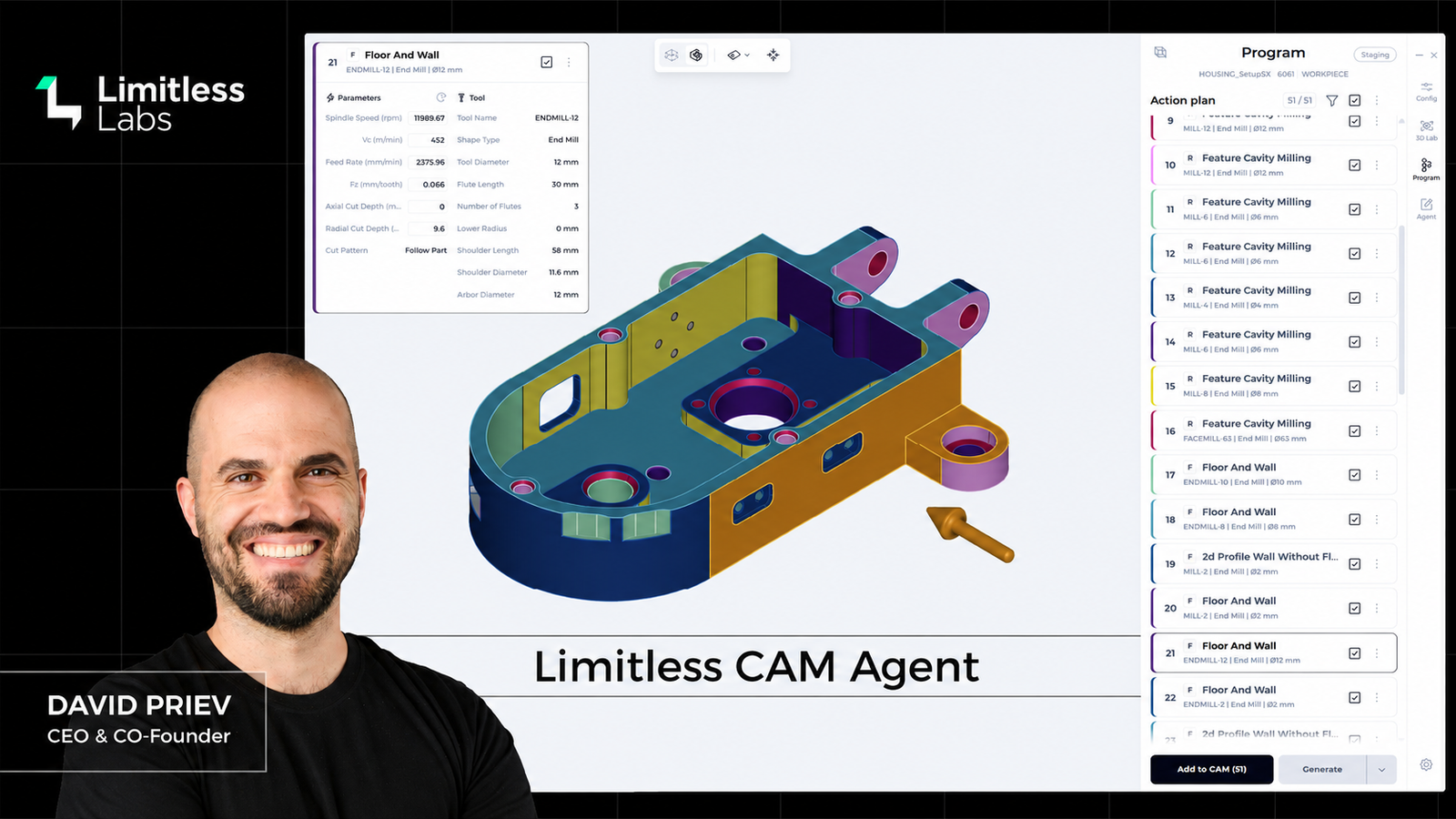
Inside the Limitless Labs AI CAM Agent: CEO David Priev on the Next Shift in CNC Programming
AI is moving rapidly into CNC programming, but Limitless Labs is pushing the technology considerably further than the familiar manufacturing chatbot or software copilot.
-

Okuma IMTS 2026 Line-Up Puts AI Robot Cell at Centre of Four CNC Debuts
Okuma will use IMTS 2026 to show how CNC machines, robotics, automated work handling and artificial intelligence are beginning to operate as one connected production system.
-
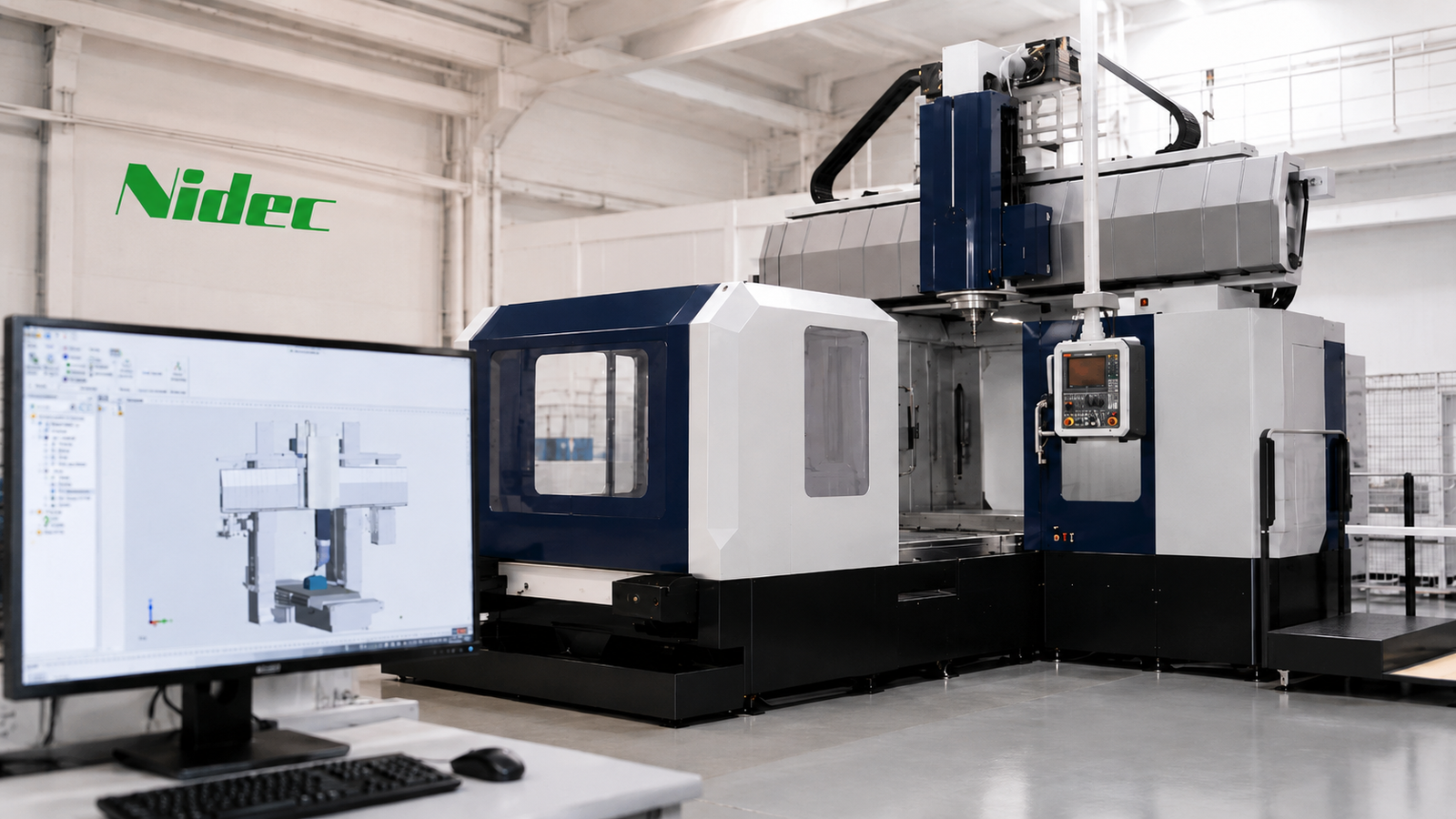
Nidec NC Twin Launch Brings Digital Twin Machining Into Real CNC Production
Nidec NC Twin has been launched by Nidec Machine Tool as a new digital twin platform for its MVR Series double-column machining centres, giving manufacturers a…
-
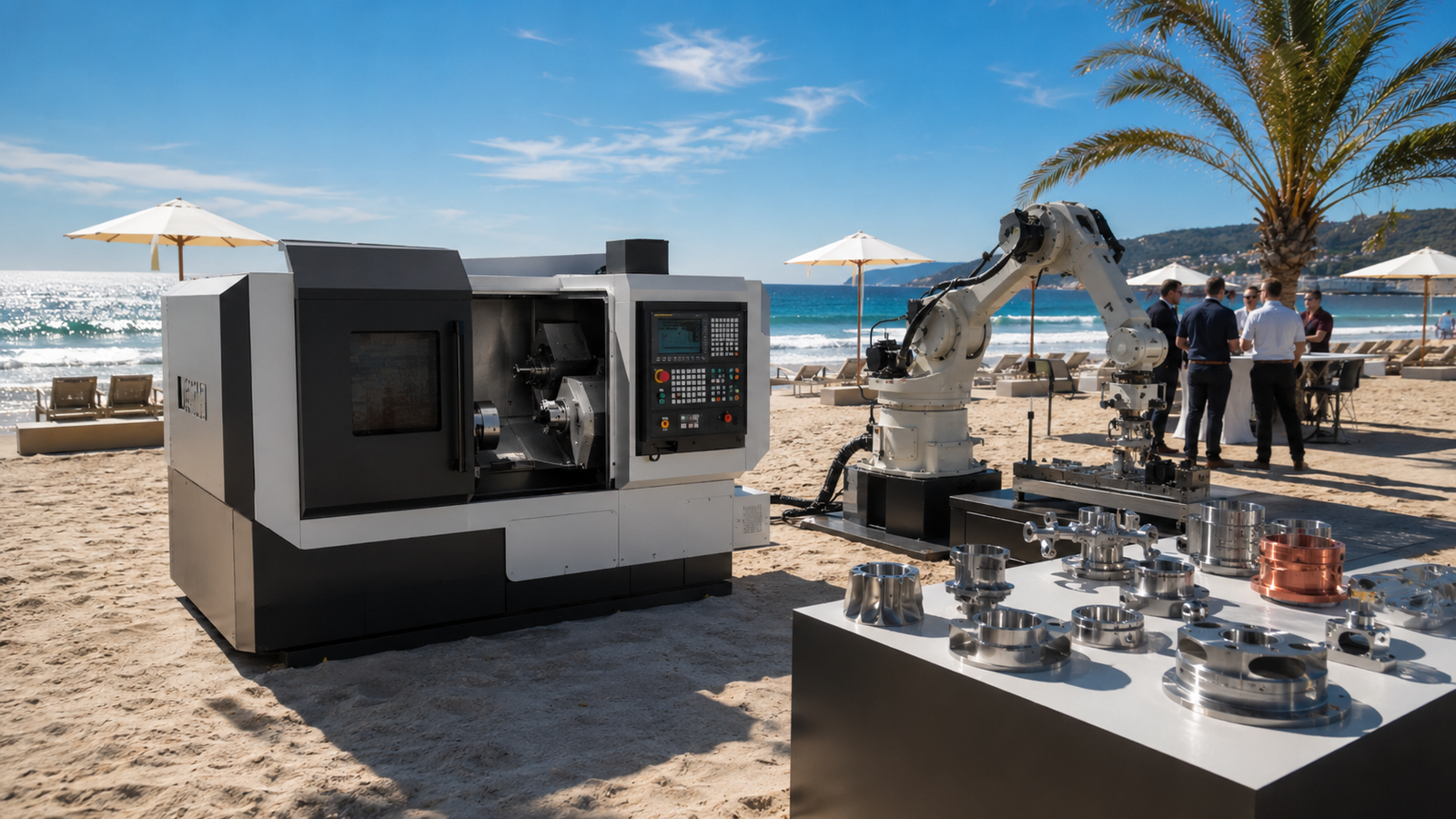
June 2026 AI Manufacturing Releases: Kawasaki, ABB, Siemens, Mitsubishi, Zimmerman, Festo, Osterwalder and CloudNC
As the majority of Europe and the UK are currently seeing record breaking temperatures in the sun. The month of June has also been pretty hot…
-

AI Adoption in Manufacturing: A Free Practical Toolkit for UK SMEs. Free download
AI adoption in manufacturing is no longer something SME manufacturers can afford to leave on the horizon. Across the sector, businesses are under pressure to improve…